

Customer support
Get help with your system, arrange maintenance or request the right user guide. Our Poole team is here to help.
-
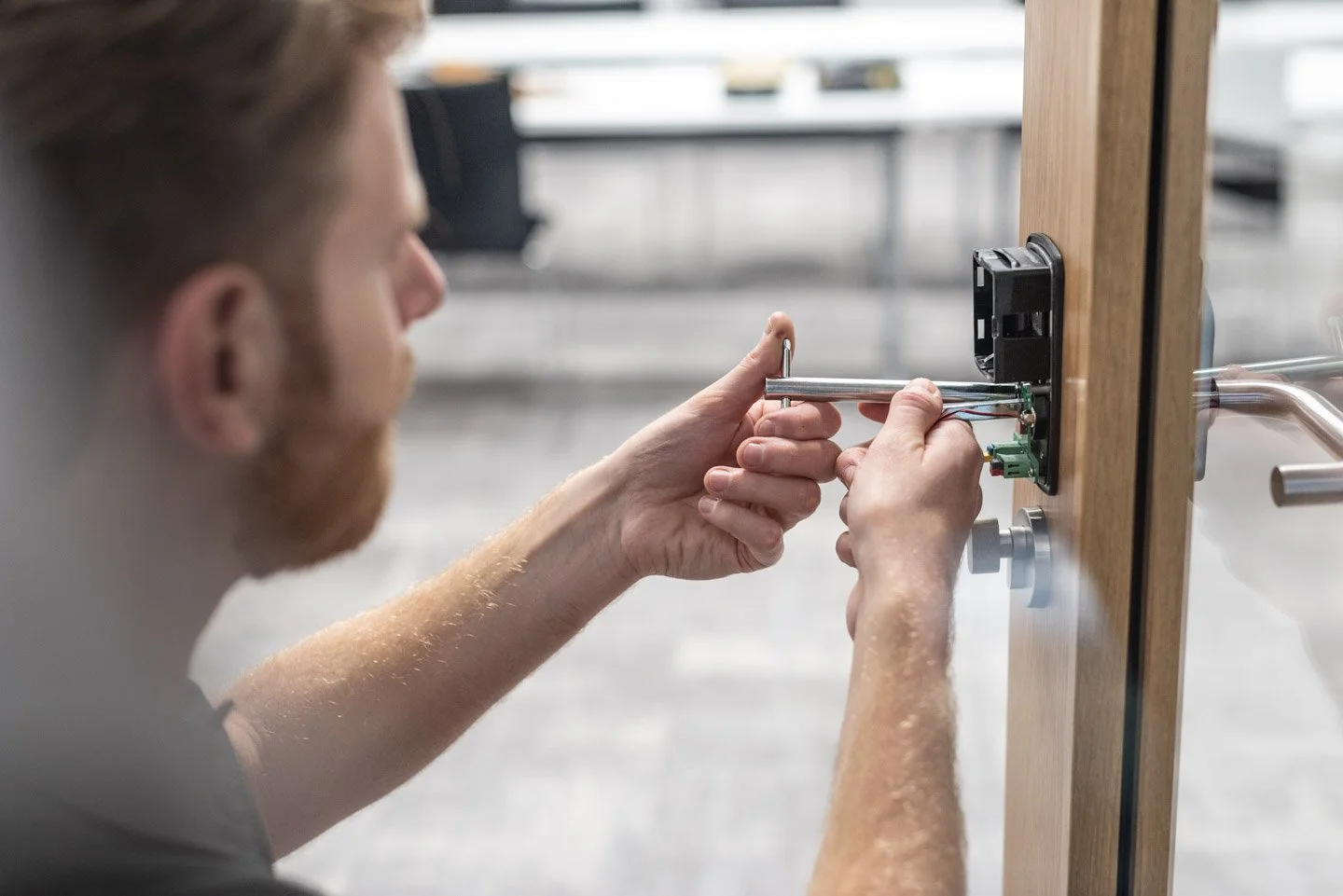
Maintenance
Request a maintenance inspection through our Customer Area. Our team will contact you to agree a suitable appointment.
-
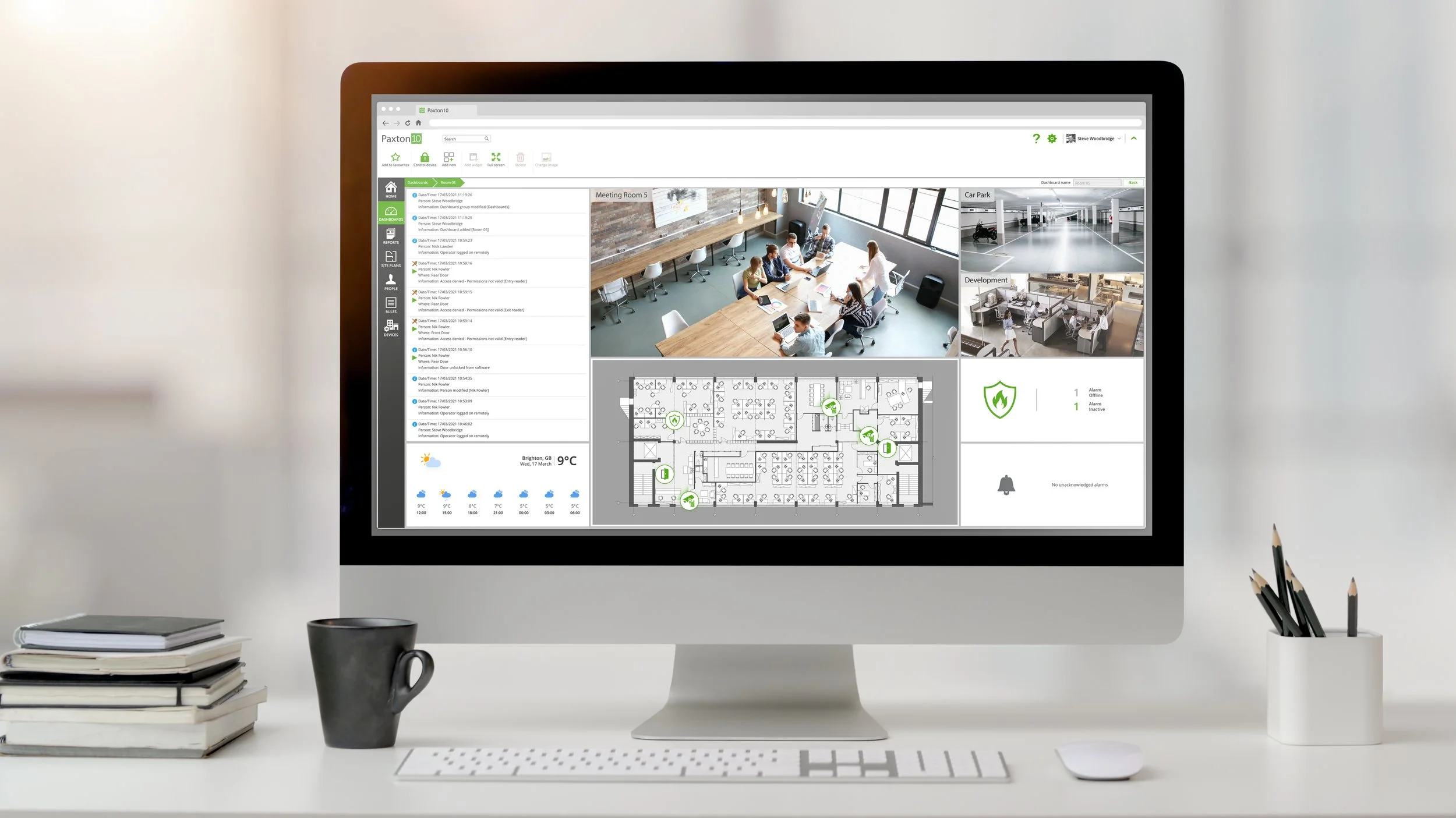
Update Keyholders
It’s important your keyholder list is up to date. Any changes need to be made in writing and should be reviewed annually.
-
Support Request
Would you like us to give you a call? All customers under Maintenance Cover can request remote support.
-

Google Reviews
Please consider leaving us a Google Review. Your feedback is important to us and helps us grow.
Need a user guide?
We can help you find the correct instructions for your installed system, including Ajax, Texecom, Visonic, Scantronic and Hikvision products.
Please tell us the make and model, or include a photo of the equipment with your email. This helps us send you the right guide for your system.
Before you contact us
For CCTV or app access, check that the equipment has power and that your internet connection is working. Make a note of any error message and the app you are using.
If your alarm will not set, check that protected doors and windows are closed and that nobody is moving in the protected areas. Tell us which zone or message appears on the keypad.
Report recurring false alarms, battery warnings or other faults so we can advise on the next step. Avoid disconnecting equipment or changing installer settings.