
Customer Area
Looking after your systems.
Making your next step simple.
Arrange a service visit, report a fault or tell us what needs to change. Choose an option below and send the details to our team.
For homes, businesses & organisations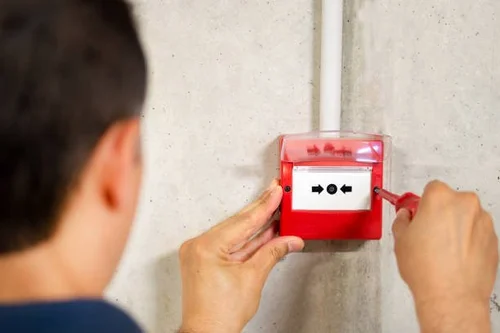
Choose what you need
A few useful details help us find your records and arrange the right support. You do not need to know the technical answer before contacting us.
Request a service visit
Routine servicing, annual maintenance or an engineer visit. Tell us which systems need attention and when you are generally available.
Request a service visitReport a fault
Tell us what has happened and what your panel, app or equipment is showing. Photos can help us understand the problem.
Report a faultSystem changes
Add, move, upgrade or replace equipment. We will review whether you need a survey, quotation or engineer visit.
Request system changesKeyholders & contacts
Request an update to important contacts. We will verify relevant details before actioning monitored-system or keyholder changes.
Request contact changesRequest documents
Ask for a service record, existing certificate, invoice or quotation copy. We will check the records available for your site.
Request documentsAccounts & invoices
Questions about an invoice, statement, purchase order or payment. Send the reference if you have it.
Send an accounts queryVisits planned around your system
Every site is different. We consider the systems involved, time needed, engineer skills and location before confirming a suitable appointment.
- 1. Tell us what you need
Share the site details, requirements and your general availability.
- 2. We review your request
Our team checks the relevant records and plans the next step.
- 3. We contact you to confirm
Your request becomes an appointment only once we have agreed it with you.
Help & user guides
Find the right guidance
Start with our existing support information. For instructions specific to your system, ask our team for the correct guide.
Customer support information ↗Frequently asked questions ↗Request a system user guide ↗Preparing for an engineer visit
Tell us about access arrangements, parking, restricted hours or induction requirements. Make sure an authorised contact is available and the equipment can be reached safely. Do not send alarm codes or passwords through the website.
Happy with our service?
Your feedback helps other local customers choose a company they can trust. We would appreciate an honest Google review.
Leave a Google reviewSomething we could improve? Contact our team so we can help.
Professional support for domestic and commercial customers.
Not sure which option you need?
No problem. Contact our team and we will point you in the right direction.
Looking for a new system? Request a quote here.